
Case · Automotive services

Revonik: a technical repair catalogue and CRM integration.

A WordPress catalogue for an automotive-electronics repair business in Germany. The recorded project combines vehicle and repair selection, manufacturer and error-code sections, five languages, CRM-connected forms and customer confirmations.

  • Automotive services
  • Automotive electronics
  • WordPress
  • CRM integration
  • DE · EN · IT · FR · RU
  • Germany
revonik.deRevonik website preview
Five recorded languages

German, English, Italian, French and Russian in the delivered scope. project records and saved screens

Catalogue selection

A first-screen configurator, manufacturer index and search. project records and saved screens

CRM connection

The project records form delivery to CRM and customer confirmations. project records and saved screens

The project

Task, approach and delivery

The task

Organise a large technical catalogue around the information a visitor knows about a vehicle or component.

Connect the multilingual presentation with the repair-request workflow and the client's CRM.

The approach

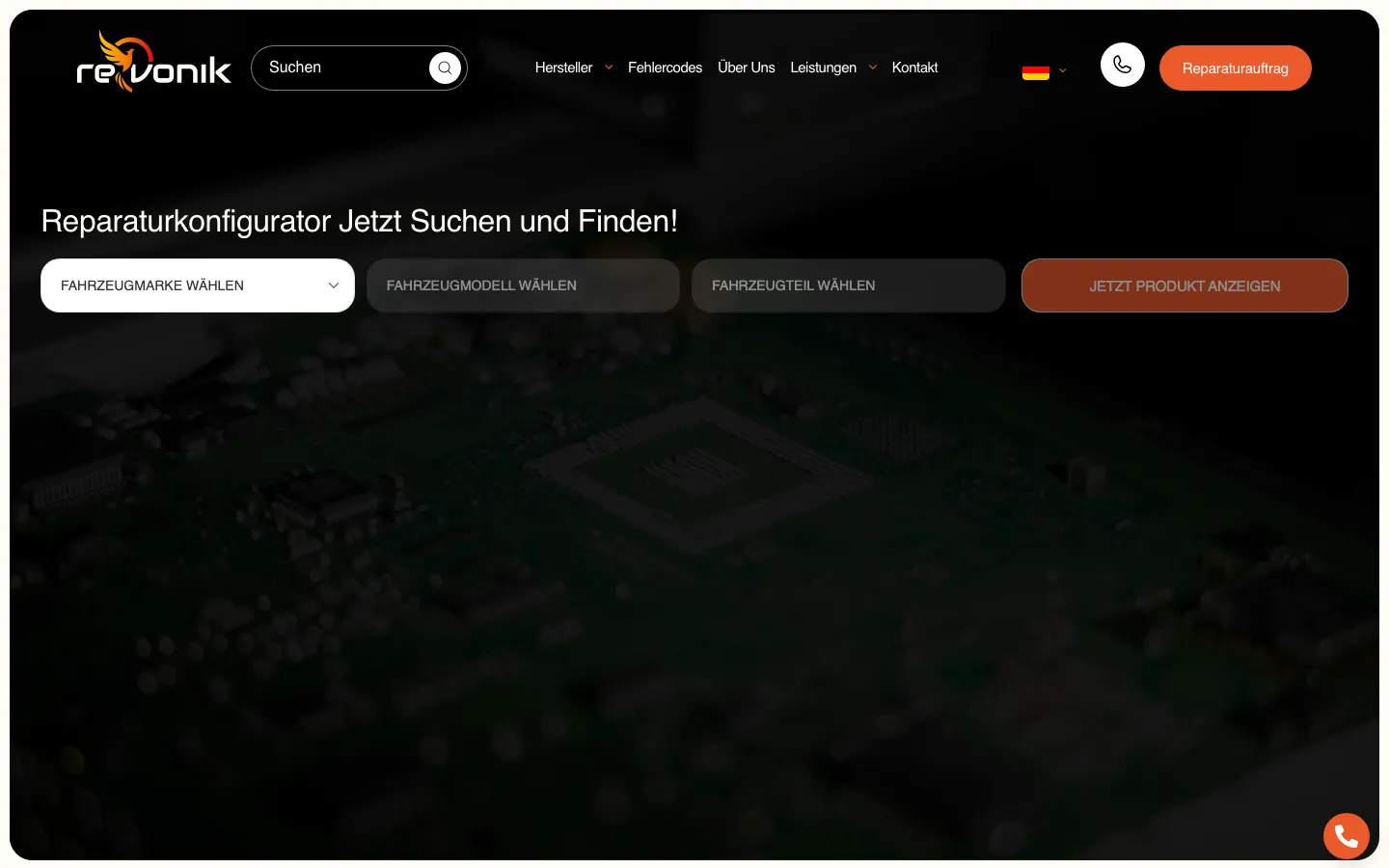
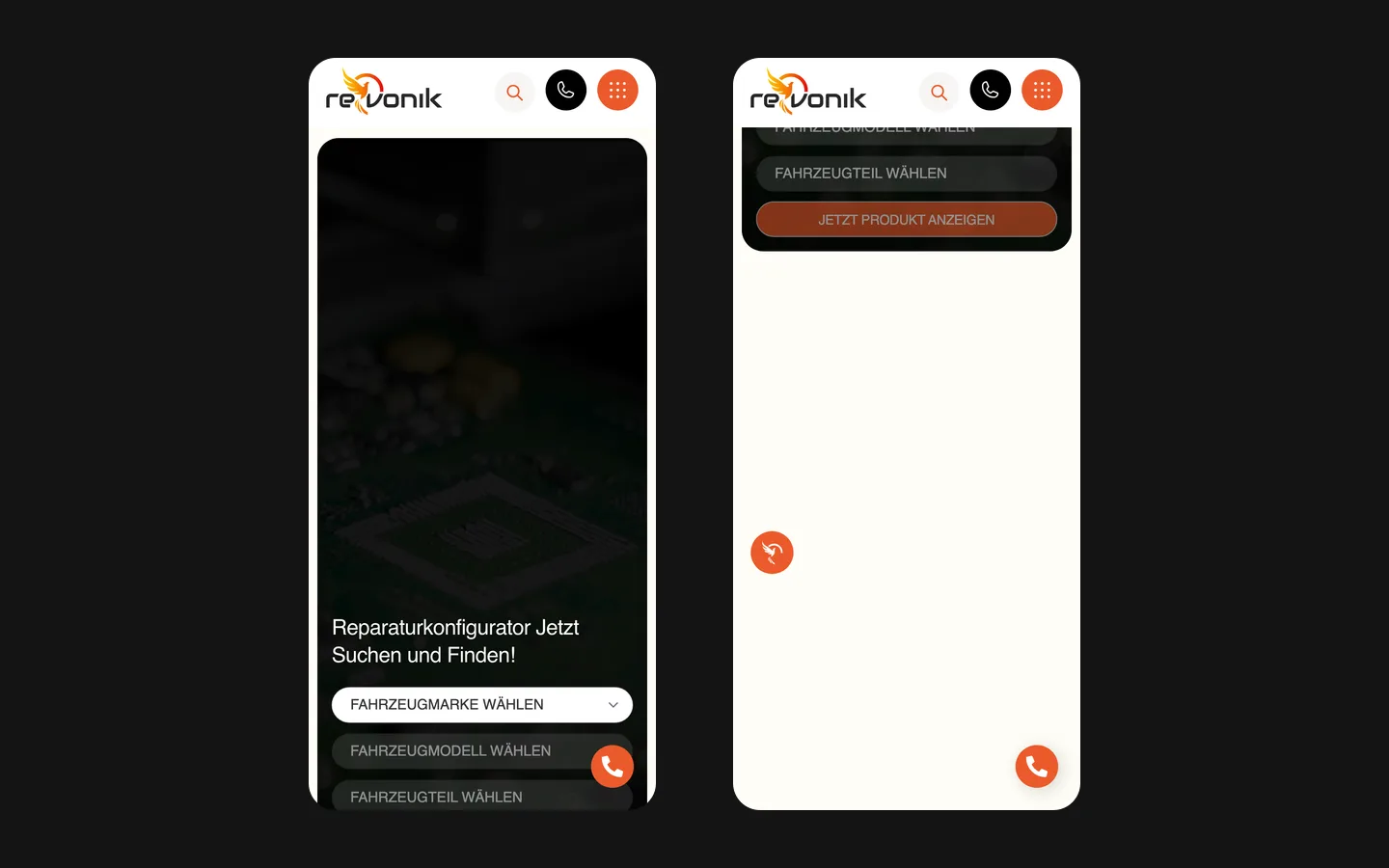
We built a WordPress catalogue with a selector on the first screen, manufacturer navigation and search. The saved selector shows brand, model and part.

The recorded scope connects repair orders and enquiries to CRM and generates customer confirmations. Technical work covered titles, structure, duplicates and performance.

What we delivered

A WordPress catalogue in five languages with a repair configurator, manufacturer and error-code sections, forms into the CRM and order confirmations, run by the client. Domain and hosting in the client’s name.

Connecting a technical repair catalogue to the enquiry process

Revonik is a German automotive-electronics repair business. The recorded website scope combines a WordPress catalogue, a repair selector, manufacturer and error-code sections, five language versions, CRM-connected forms and customer confirmations. The useful design problem is how to connect a large technical offer with the information a visitor already has, then carry that context into a repair request.

Several starting points for the same catalogue

Not every visitor arrives with the same information. One person knows the vehicle and wants to locate a relevant service; another has an identifier or the name of a unit; a workshop may already know which repair category it needs. The recorded site offers a configurator, a manufacturer index and search. Those routes address different starting points without requiring everyone to read the entire service catalogue first.

The saved first screen places the selector prominently below the header. Its visible fields move from vehicle brand to model and then part, followed by a button that shows the matching product. The current public page similarly identifies brand, model and repair. This is a navigation aid, not an automatic diagnosis. Choosing a catalogue entry cannot by itself establish the cause of a vehicle fault or confirm that a particular repair will be suitable.

The screenshot uses a dark electronics background, white controls and orange actions. The first available selection is visibly brighter than the subsequent fields. That arrangement makes the sequence legible before the user has supplied all the information. It also gives the catalogue an immediate role on the homepage, alongside the separate repair-order action in the header.

The catalogue needs relationships, not only many pages

Project records describe a large catalogue with thousands of pages. Its usefulness depends on the relationships between entries: manufacturer, model, component and the service being offered. A bigger page count is not an achievement on its own. For a comparable technical catalogue, the content model should explain why each page exists and what distinguishes it from nearby entries with similar names.

A manufacturer index provides a broad route into that structure. The selector narrows the route further, while search can help someone who already has a specific term. These interfaces should lead to compatible descriptions rather than create three disconnected interpretations of the same offer. If a name changes, the catalogue needs a clear rule for where that change is made and how it appears throughout the visitor journey.

Part identifiers deserve particular care. They are data supplied and validated by the repair business, not wording a designer should improvise. Similar-looking names can refer to different products or applications. For a new brief, we would request representative records and agreed matching rules before designing the complete import. The page layout follows the approved catalogue relationships; it should not silently create compatibility claims of its own.

Separate identification, service information and the request

Identify a relevant entry
The configurator, manufacturer navigation and search help find a candidate page using information the visitor knows. A useful result identifies the offer clearly and allows the person to review its details. It should not imply that the website has inspected the physical unit or established a fault from a few selections.
Explain the repair offer
A service page gives approved information about the work, the applicable conditions and the next step. The business is responsible for technical statements. The website's role is to present them consistently and make distinctions visible, especially where a general service category and a particular catalogue entry need different explanations.
Carry context into the request
A repair request should preserve enough information for the receiving team to recognise what the person selected. The recorded project connects forms to the client's CRM and generates a customer confirmation. That connection supports processing; it does not mean that every enquiry is already an accepted repair or completed sale.

Error-code content is a separate route into the offer

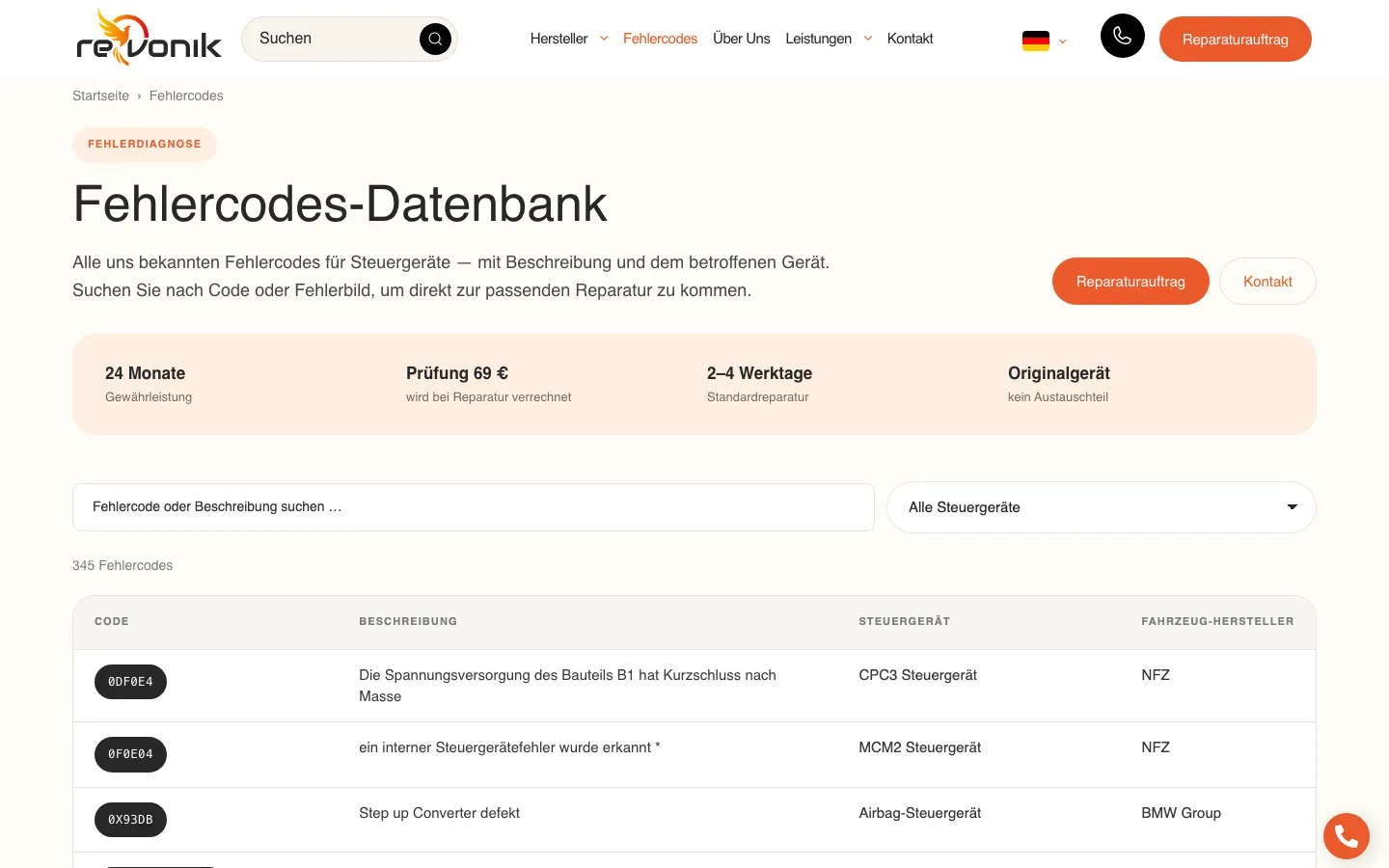
The delivered structure includes an error-code section. Someone arriving with a code has a different question from someone browsing manufacturers. The page needs to explain the context of that code and provide an appropriate route to further information. The design should not turn a code reference into a definitive diagnosis, particularly when additional inspection is required to establish what is actually wrong.

For a similar catalogue, technical copy should be approved by the specialist responsible for the service. The author can organise questions, headings and related pages, but cannot replace that expertise with plausible-sounding explanations. A clear distinction between reference information and an individual assessment helps the business communicate accurately while still making a large body of specialist content usable to a non-specialist visitor.

The form is the beginning of an operational handoff

The recorded integration sends repair orders and enquiries into the client's CRM and creates a confirmation for the customer. This is a more specific scope than placing an email address on a page. Information crosses from the public catalogue to the system used by the team. The selected item, customer details and order status need agreed meanings so the receiver can understand the submission without reconstructing the entire browsing session.

A confirmation also needs precise language. Receiving a request, issuing an order document, accepting a repair and finishing the work are distinct stages. The website should describe the stage it has actually reached. We do not claim a fresh end-to-end submission test or a current CRM delivery rate in this case. Those would require an authorised test with access to the receiving system and a way to identify test records.

For a new integration, acceptance would include incomplete data, duplicate attempts and failed delivery as well as the successful path. The goal is to know what the visitor sees and what the team receives. A visible success message alone cannot prove that a record reached the CRM. This is one of the central questions to resolve when estimating a catalogue that also initiates a business process.

Five languages multiply editorial responsibility

The project records specify German, English, Italian, French and Russian. A multilingual technical catalogue needs more than translated navigation. The same component and service relationships must remain understandable across versions, while identifiers should retain their intended meaning. Translation should not introduce a different compatibility statement or service condition merely to make a sentence sound more natural in another language.

The recorded technical work covered titles, structure, duplicates and performance. Those are implementation concerns, not proof that every page is indexed or that enquiries have increased. For a similar catalogue, the review should connect language routes, page addresses and approved content. Search reporting can then distinguish actual discovery and visits from the simple fact that many translated pages have been published.

Preparing a comparable catalogue project

  1. Bring representative technical records

    Choose examples from different manufacturers and repair categories, including entries that are easy to confuse. Confirm the fields, identifiers and relationships with the specialist team. This establishes the catalogue model before page templates and imports make an uncertain structure expensive to change.

  2. Define the receiving workflow

    Explain what happens after a request, which system owns its status and which confirmation the customer should receive. Agree which fields are necessary for processing and how test submissions will be identified. This makes the integration a concrete part of the brief rather than an unspecified connection to a CRM.

  3. Review paths in each language

    Follow a manufacturer route, a specific search and an error-code entry through to their relevant next step. Check that translations preserve the intended meaning and that forms retain the selected context. The review should cover different entry points, not only the most convenient homepage demonstration.

What Revonik demonstrates

Revonik demonstrates a WordPress catalogue in which navigation, technical content and a CRM handoff are parts of one website scope. The case does not publish a measured sales increase or certify the repair business's technical claims. Its relevance is the organisation of a specialised offer and the connection between a visitor's initial information and the request received by the team. That is the level at which a similar project can be planned and evaluated.

What the site does

Project features

  • Find an entry

    Brand, model and repair or component guide the search.

  • Read service details

    Technical information has a place in the catalogue.

  • Send a request

    Forms connect with the receiving workflow.

  • Manage several languages

    The recorded scope includes five language versions.

Questions

About Revonik

How is the Revonik catalogue organised?

The site combines a vehicle and repair selector, manufacturer navigation, search and an error-code section. Selection is not a diagnosis.

How many languages does the Revonik site have?

The recorded project includes German, English, Italian, French and Russian.

What happens when a customer sends a repair order on Revonik?

The recorded integration sends the request to CRM and generates a customer confirmation. Receipt is distinct from acceptance or completion of a repair.

Start a similar project.

Tell us what your site has to do. A short call, then a fixed price in writing.