Case · Hospitality

BB Rooms: a bilingual catalogue of private karaoke rooms.

Six themed rooms presented through separate pages, capacity and equipment information, pricing context, photography and 3D tours. The English and Hungarian Webflow site connects room choice with events, services, contact and booking routes.

  • Hospitality
  • Karaoke venue
  • Booking
  • Webflow
  • EN · HU
  • Budapest, Hungary
bbrooms.huBB Rooms website preview
Six room pages

Space, Iceberg, Gatsby, Reggae, Cabaret and Comics in the recorded catalogue. project records and saved screens

Two languages

English and Hungarian versions. project records and saved screens

Visual inspection and contact

Photographs, 3D-tour access and visible booking routes. project records and saved screens

The project

Task, approach and delivery

The task

Make the differences between six rooms understandable and comparable.

Connect room information, event options and the venue's reservation process.

The approach

Each room received a page with its own visual presentation and practical information. The recorded scope includes capacity, sound setup, price, photographs and a 3D tour.

Event packages and optional services sit alongside the room catalogue. Booking is visible in the header and room presentation; the site is in English and Hungarian.

What we delivered

A Webflow site in English and Hungarian with six room pages and 3D tours, events, services, contact and booking, run by the venue. Domain and hosting in the client’s name.

A room catalogue that helps a group choose a private karaoke space

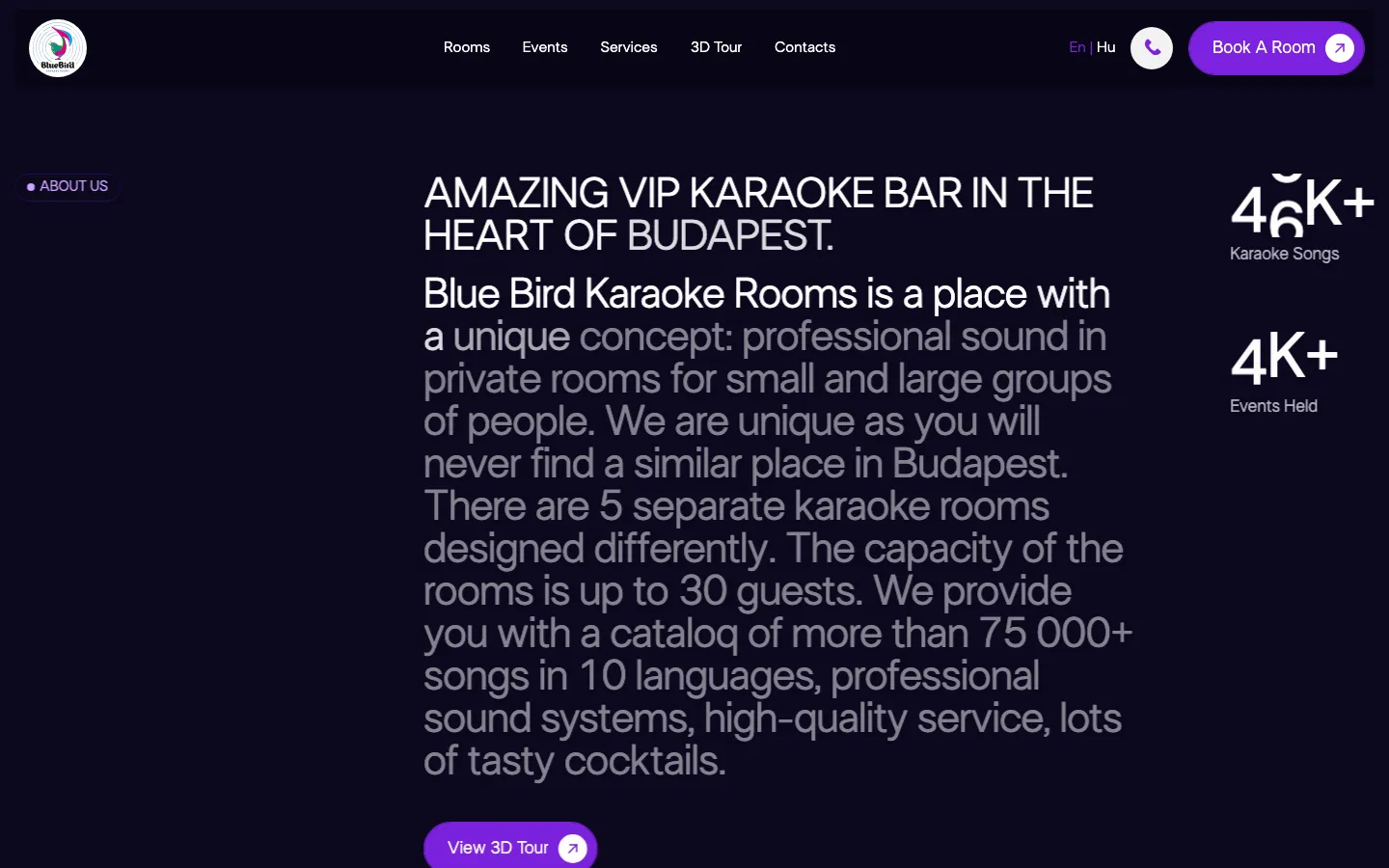
BB Rooms is a private karaoke venue in Budapest. The recorded Webflow project includes six themed room pages, photographs and 3D tours, event and service information, contact and booking in English and Hungarian. The website's main task is to make the differences between rooms understandable, then connect that choice with the venue's reservation process.

The homepage introduces the occasion and the place

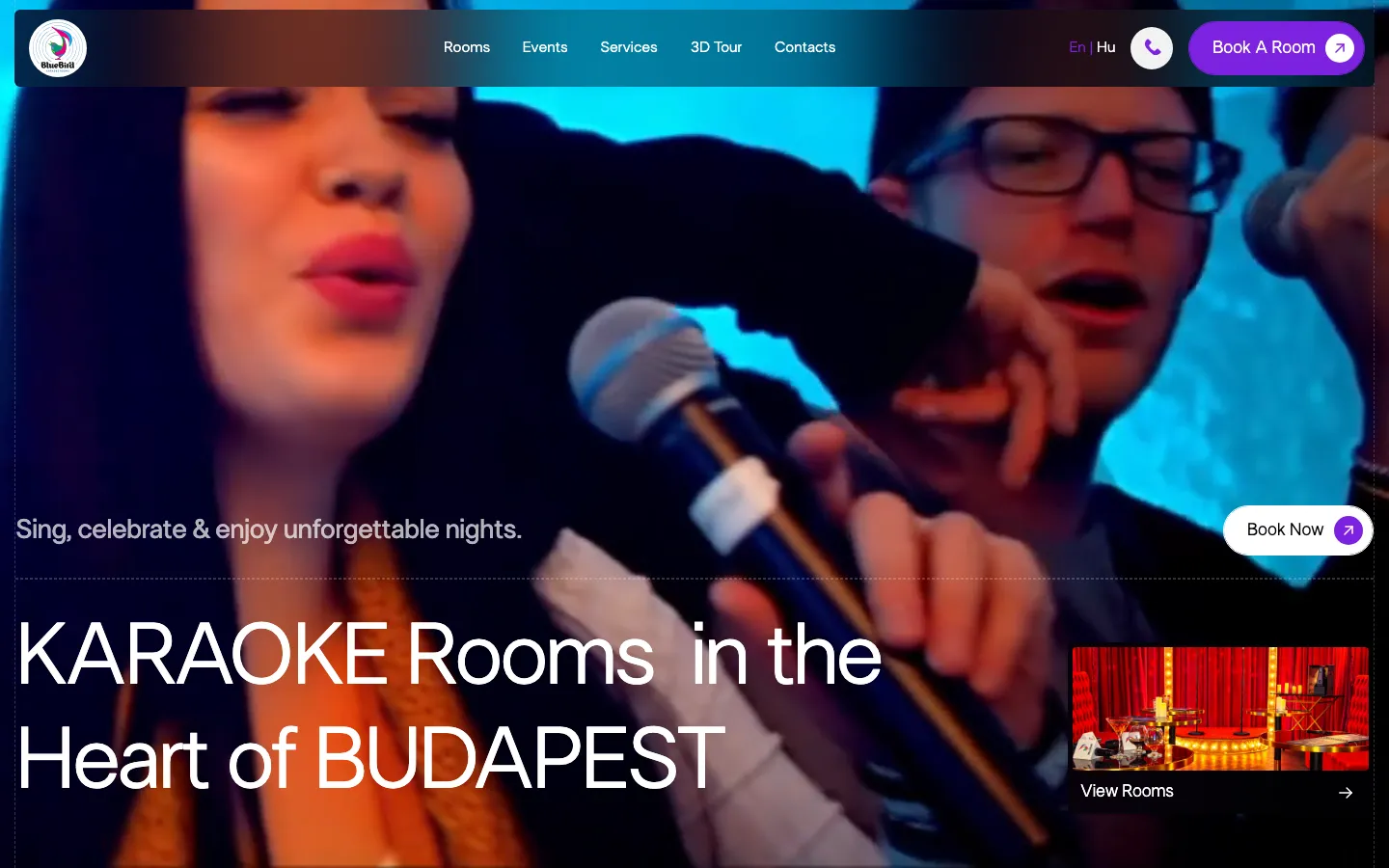
The saved first screen uses a large image of people singing, with bright colour and a dark navigation bar. A prominent heading identifies the offer as karaoke rooms in Budapest. Booking is visible in the header and within the first-screen composition, while a room preview gives another route into the catalogue. The page can introduce the atmosphere and provide a practical next step at the same time.

The image communicates a social occasion rather than a technical equipment list. The detailed room pages then have the job of explaining the available spaces. That division is useful: a person can first recognise the kind of venue and then compare the room characteristics that affect their group. The opening image should not be expected to communicate capacity, pricing and every event option on its own.

For a comparable venue, the first screen needs to distinguish the business from a general bar, a public karaoke night or an event agency. Private room hire has a specific decision process. The visitor is choosing a space for a group, not simply checking whether music is played at the address. A clear description of the format helps the rest of the catalogue make sense.

Six rooms deserve comparable information

The recorded room names are Space, Iceberg, Gatsby, Reggae, Cabaret and Comics. Each has its own page and visual character. The point of separate pages is not just to multiply photographs. It is to let a group compare spaces using a consistent set of information while still seeing what makes each room distinctive. A shared structure can support that comparison without making every room look identical.

The delivery records capacity, sound setup, price, photography and a 3D tour as room-page material. These fields answer different questions: whether a group fits, what the room offers, what the pricing means and how the space looks. For a new project, the venue would approve those details and explain any conditions that vary by date, duration or event. The designer should not invent a capacity or treat an archived price as a current quotation.

Consistency matters when the choice happens across several pages. If one room explains pricing in detail and another only shows a large number, comparison becomes uncertain. A similar catalogue should make missing data visible during preparation, before it becomes a public gap. The goal is a set of room descriptions that can be understood together, not six independently designed pages with six different ways of presenting the same kind of fact.

Three ways to understand a room

Photographs
Images introduce the room's theme, materials and visual character. They should represent the actual space and be selected to answer practical questions as well as create atmosphere. A close-up of a decorative detail can complement a wider view, but it cannot replace the view needed to understand the layout.
Structured information
Capacity, equipment and pricing context give the visitor information that may not be obvious from a photograph. The venue owns the accuracy of these details. For a comparable build, we would agree a consistent description format and distinguish standard room features from optional event extras before the pages are populated.
A 3D view
The recorded room presentation includes 3D tours as another way to inspect the space. The website provides access to that material. This case does not claim that HeadPills captured the tours or that a tour alone proves current availability, accessibility or suitability for a particular group.

Room hire and an organised event are related choices

The project includes event packages alongside the rooms. A group arranging an occasion may need more than a space: the original scope mentions catering and decoration options. Those additions should remain understandable as part of the venue's actual offer. A visitor needs to know what is included in a room reservation and what requires a separate arrangement, rather than infer it from attractive event photographs.

For a similar website, the package structure should be agreed before the interface is drawn. Some options may be associated with a particular room; others may need the team to discuss the occasion first. The page can organise these distinctions and provide a relevant next action. It should not label every extra instantly bookable unless the reservation system and the venue's operating process genuinely support that behaviour.

This is also where an enquiry route can be useful alongside a standard reservation. A straightforward room choice and a more complex event request may need different information. Keeping their purposes clear helps the visitor understand why the team asks a particular question. It also gives the receiving staff a better starting point than a message containing only a date with no indication of the intended room or occasion.

The booking action needs to preserve the choice

The saved design gives booking prominent placement, and the recorded scope includes booking routes from the room presentation. Visibility is one part of the task. The next stage should still make the selected room and the meaning of the requested date understandable. A button that opens another screen is not enough if the visitor then has to start the decision again without recognising how the pages relate.

For a comparable implementation, we would agree which system controls availability and when a reservation becomes confirmed. A request, a provisional selection and a paid or confirmed booking are different states. The website copy should match the actual flow. This case does not publish a fresh completed reservation test, a current room inventory or a measured increase in bookings; those require separate operational evidence.

The same precision applies to the phrase one click away. A visible control can be easy to reach while the reservation itself still involves several necessary steps. The useful design aim is a clear, continuous journey, not an arbitrary promise about the number of taps. The person should know what they have selected, what they are being asked to provide and what happens after submission.

English and Hungarian should describe the same offer

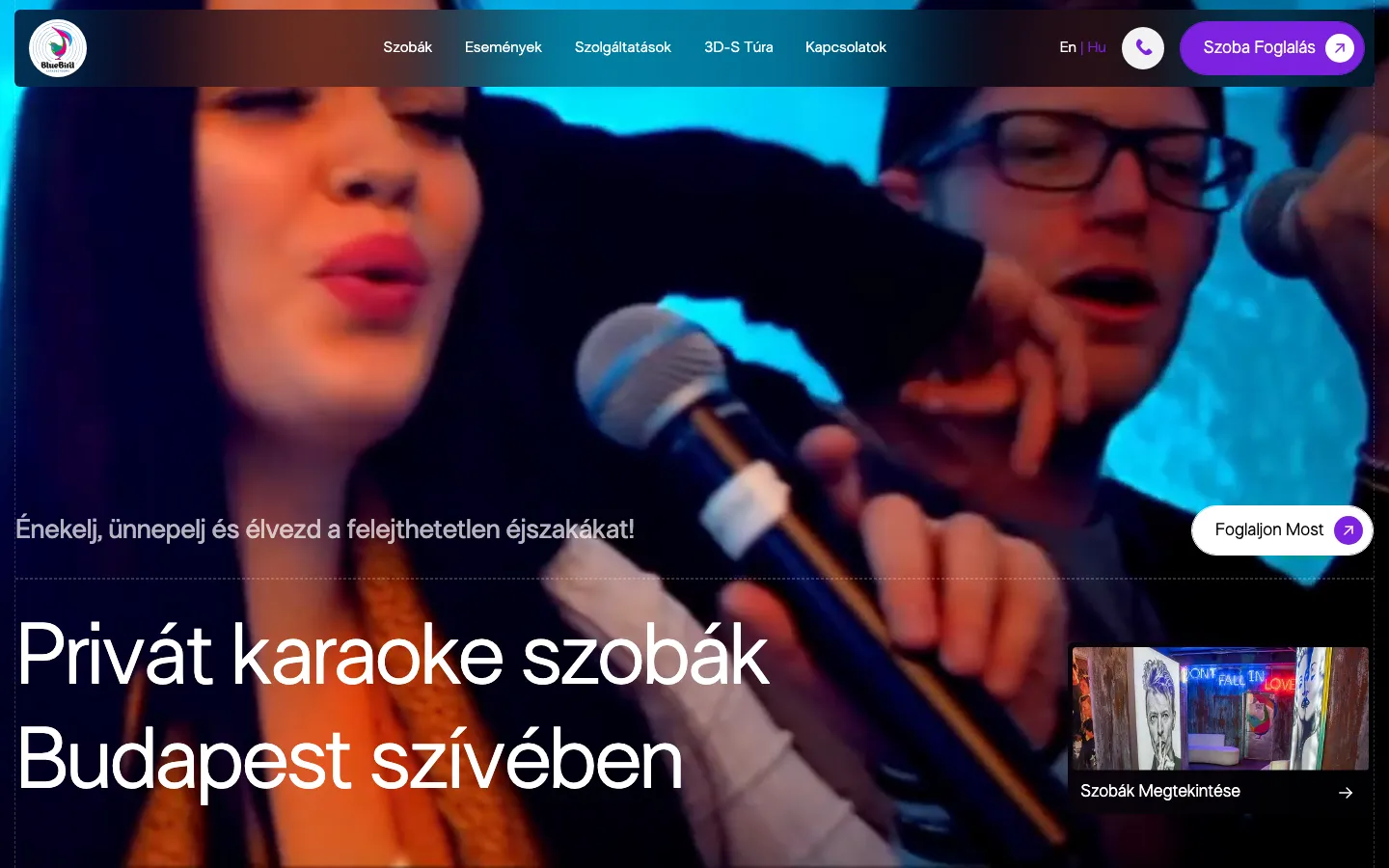
The recorded delivery includes English and Hungarian. Both versions need to represent the same rooms and practical conditions, even if headings or descriptions differ in length. A room name should remain recognisable when the visitor changes language. The language route should support the room comparison rather than unexpectedly return a person to a general introduction with their current context lost.

For a similar venue, changes to capacity, pricing or package conditions should have an owner across both versions. Otherwise the layout can stay visually consistent while the underlying offer drifts. Translation is therefore part of content maintenance as well as launch preparation. The website team can provide the structure; the venue must keep the facts aligned with the spaces and services that guests can actually reserve.

Preparing a room-based venue website

  1. Build a room information set

    Collect approved names, capacities, equipment descriptions, photographs and pricing conditions for every space. Review the differences before selecting a common template. The result should allow a visitor to compare the rooms while preserving their individual themes, rather than flattening the catalogue into a repeated generic description.

  2. Map events and extras

    Clarify which services belong to a room booking, which are optional and which need a conversation. Give the team a way to update those distinctions. The event presentation should help someone organise an occasion without implying that every combination is available or confirmed before the venue has reviewed the request.

  3. Follow the reservation handoff

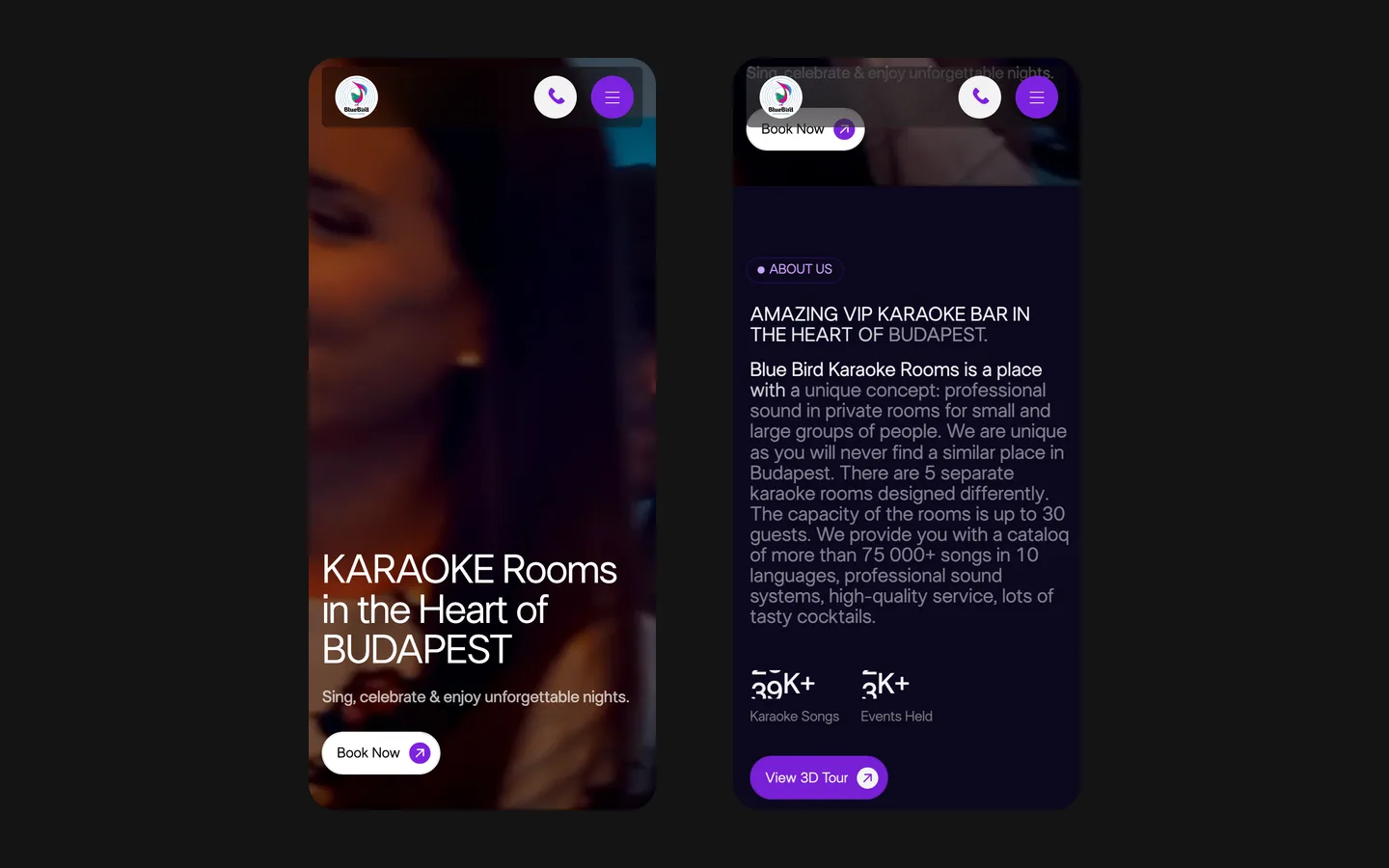
    Start from several room pages and check their next actions in both languages, including on a phone. Agree the receiving system, the status messages and the responsibility for availability. This tests the relationship between the catalogue and the booking process rather than judging the project only by its atmospheric homepage.

What BB Rooms contributes to the portfolio

BB Rooms demonstrates a hospitality catalogue built around the specific spaces a group can choose. The recorded work combines separate room pages, visual inspection, event information and reservation routes in two languages. Its relevance to a new brief is the way room differences become a structured decision. The project does not establish that the website created the venue's event services or guarantee that a particular room will suit every occasion.

What the site does

Project features

  • Compare rooms

    Themes and practical details organised on separate pages.

  • Inspect the spaces

    Photography and access to 3D tours.

  • Plan an occasion

    Event and additional-service information.

  • Continue the choice

    Routes into contact and reservation.

Questions

About BB Rooms

How many rooms does the BB Rooms site sell, and how?

The recorded scope includes six themed rooms, each with its own page and practical information, photography and a 3D tour.

What languages is the BB Rooms site in?

English and Hungarian.

Can a group book a party on the BB Rooms site?

The site presents event packages and additional services alongside room booking. The venue confirms applicable conditions and availability.

Start a similar project.

Tell us what your site has to do. A short call, then a fixed price in writing.